
What’s for tea tonight?
Answered. All week.
It was never the cooking. It’s the endless dinner admin — what’s tonight, what’s tomorrow, have we got everything?
TeaTonight is a weekly dinner planner that starts with the meals your family already cooks.

No sign-up ✦ No onboarding ✦ No feed ✦ No calorie counting ✦ No ads ✦ No tracking
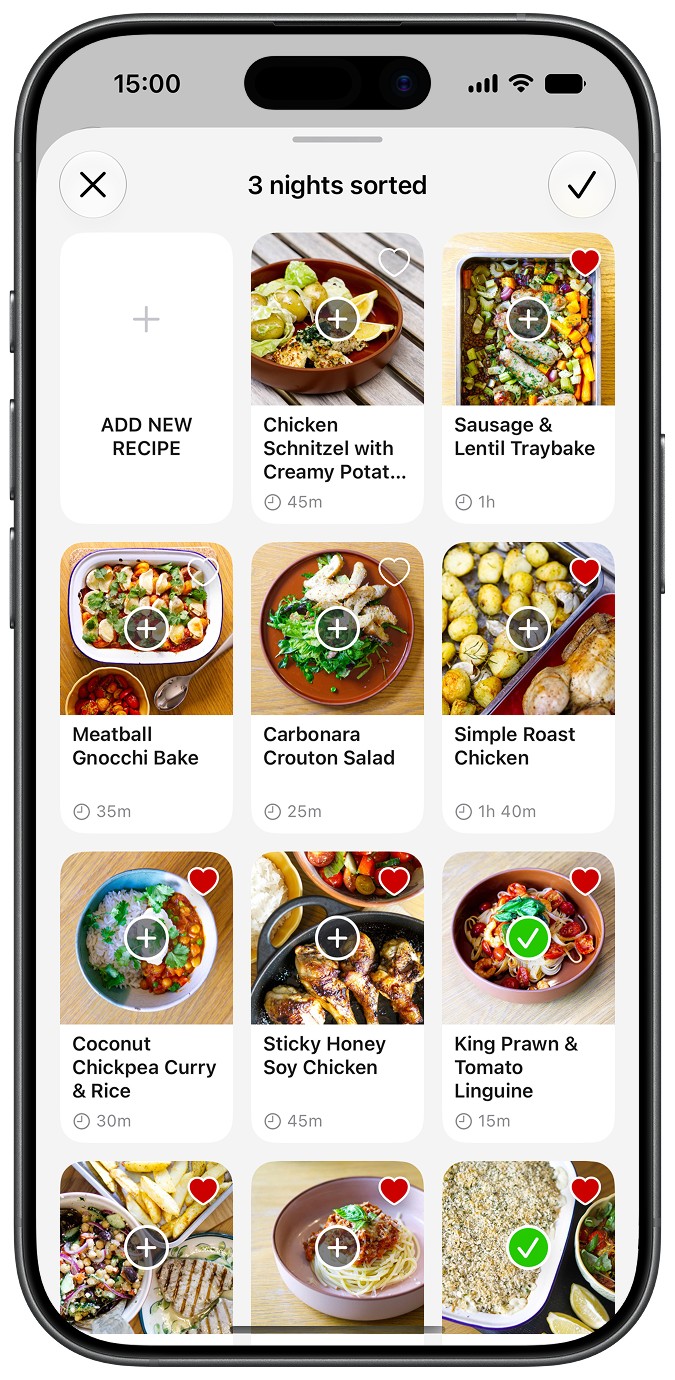
Plan the week before the shop.
Seven nights sorted in about five minutes, using meals your family already cooks. Less “what shall we have?” More getting on with your day.
-
Start your week on whichever day suits you
-
Leave room for real life: Dine Out, Takeaway, Ready Meal, Leftovers
-
Find your favourites in “Your usuals” — one tap away

Made by a parent, not a product team.
I’ve been cooking family dinners since my twin boys arrived. For years, the plan lived in a battered notebook by the hob. I liked the cooking. I was tired of deciding what came next.
Nothing I tried quite fitted, so I built TeaTonight — the tool I wanted for our family dinners. Now it’s here for yours.
Made with love in England — and approved by two very picky judges.

The shopping list writes itself.
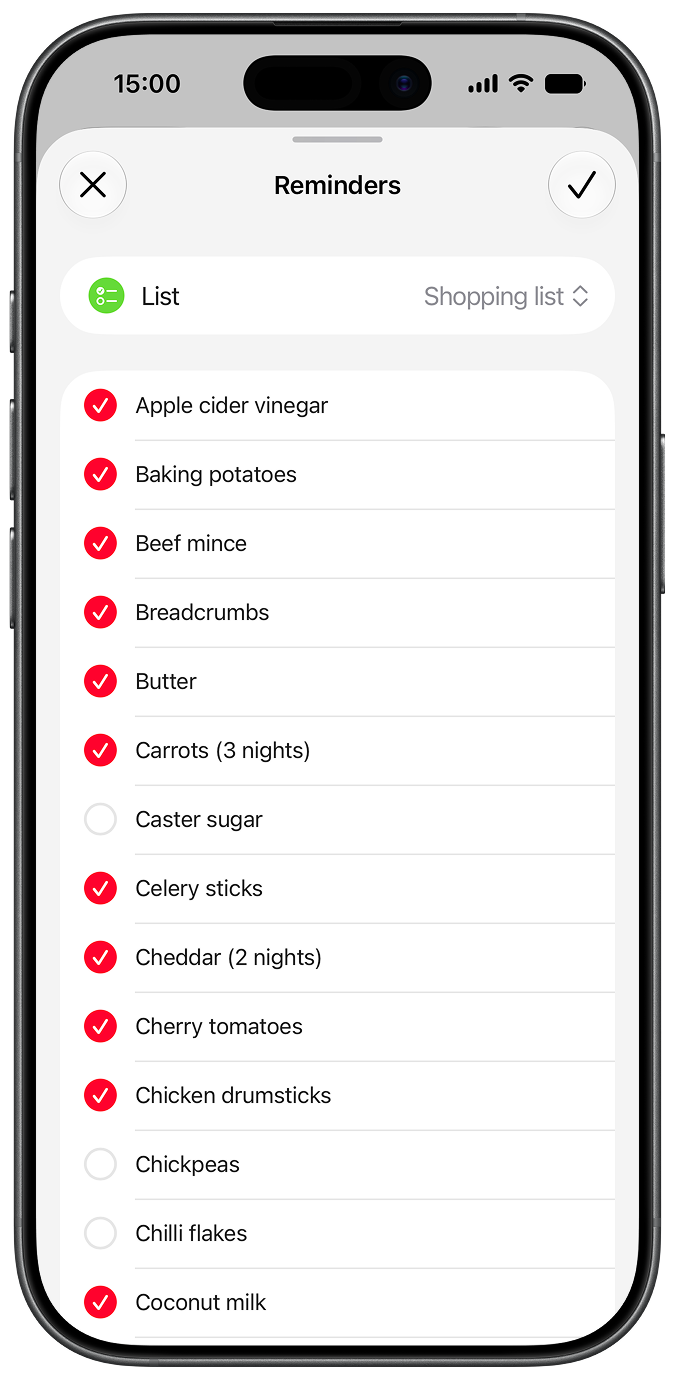
Week planned? Shopping list sorted. TeaTonight brings your week’s ingredients together, ready to send to Reminders. One less thing to write from scratch.
-
Ingredients combined across the week, with duplicates merged
-
Send to Reminders and tick things off as you shop
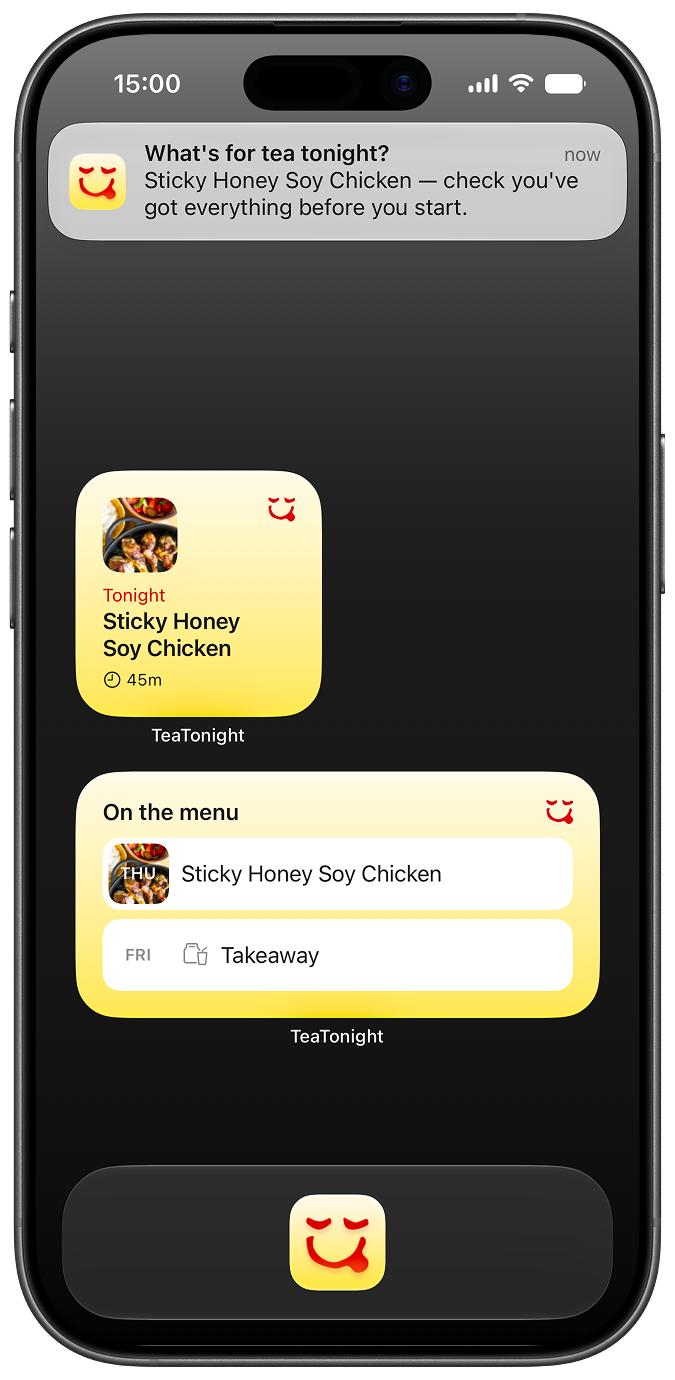
Tonight, at a glance.
You’ve already done the thinking. A quick glance or “Hey Siri” brings the answer back — without opening the app.
-
See your week on your home screen
-
Ask Siri what’s for tea and what you’ll need
-
Get one gentle daily reminder, if you want it — that’s the only notification TeaTonight sends
Your meals, not 10,000 recipes.
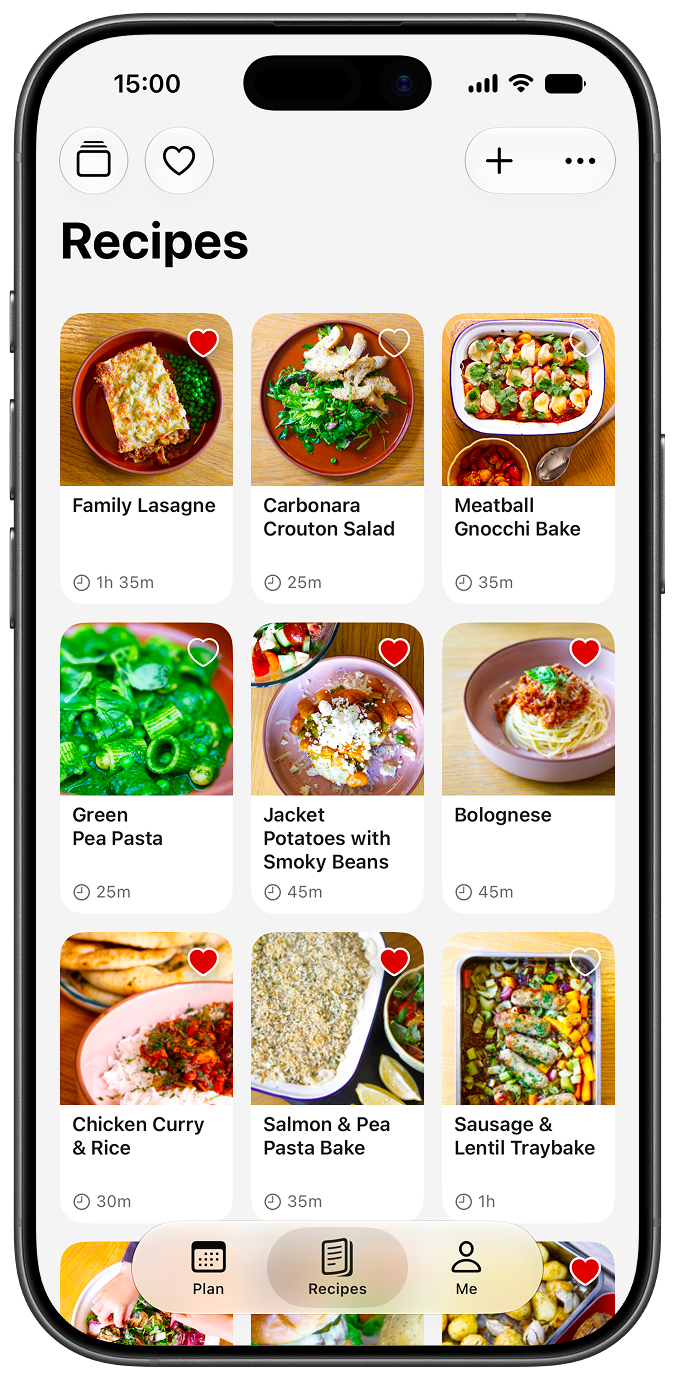
The dinners everyone likes. The ones they ask for again. Keep them together, ready for next week’s plan — with room for something new when you fancy it.
-
Start with just a name, or add the full recipe
-
A few starter recipes included, so you’re never facing an empty page
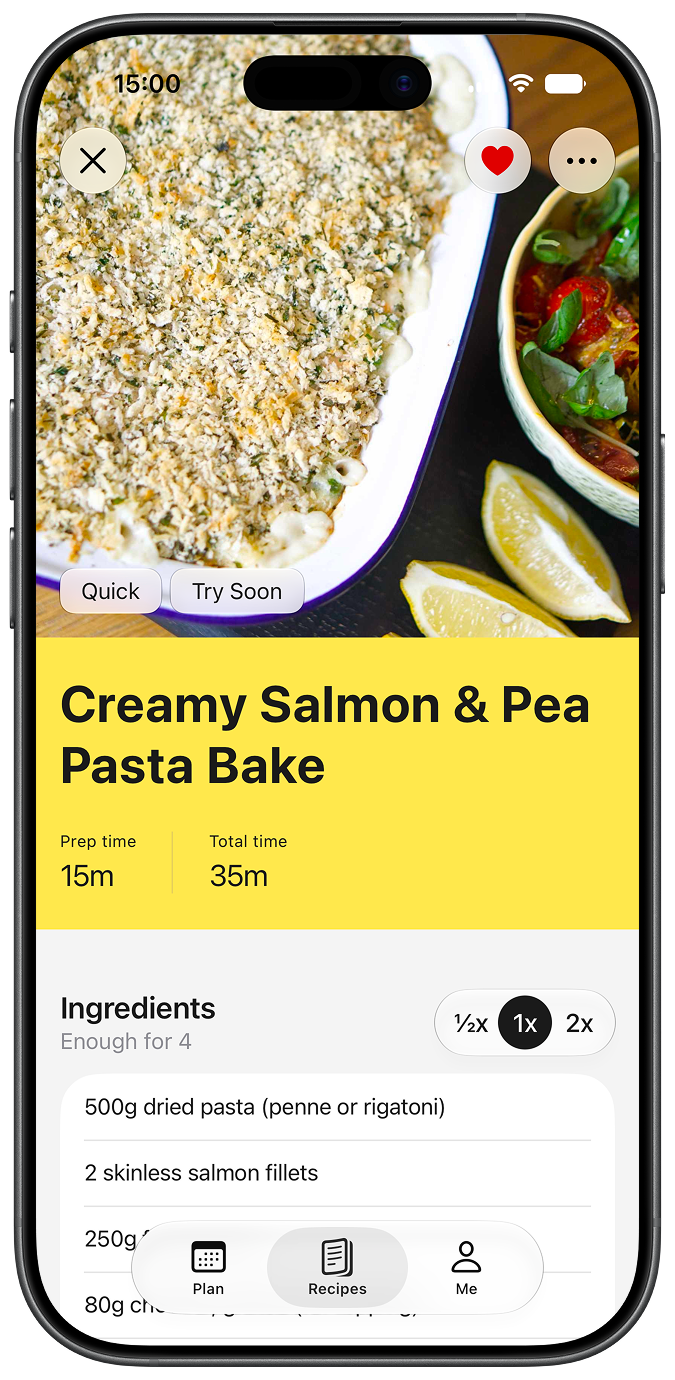
Every recipe, the same shape.
Less scrolling, less searching for quantities. However you add a recipe, TeaTonight puts it in a familiar format, ready to cook from.
-
Prep details sit with the ingredients — “1 onion, finely sliced” — so you know what to get ready
-
Quantities appear in the steps, right where you need them
-
Metric or imperial, scaled to however many you’re feeding
-
Add a photo of your own version once you’ve cooked it
TeaTonight
Plus
The core app is free, forever.
With Plus, add recipes faster and plan further ahead.
- Smart Recipe Import
- Unlimited Recipes & Collections
- Plan Weeks Ahead
- Sort by Magic
Try Plus free for 7 days, then £19.99/year.
About 38p a week. Less than the carrots.
Nothing to sign up for.
Nothing keeping tabs on you.
There’s no sign-up. Nothing to create, nothing to remember.
Your recipes and plans live in your own iCloud, not ours — and on any other device you use.
No analytics in the app, no tracking, no ads. There’s nothing to sell.
Smart Recipe Import has one job: reading your recipe, not you.

Dinner, sorted.
Free. No sign-up. No ads.